Turn scans into appointment requests
Give patients a clearer next step than sending them to a busy homepage or generic portal landing page.

Give every brochure, waiting room sign, and referral handout a better destination. Voyana Connect turns scans into interactive mobile pages with an AI presenter, patient-friendly FAQs, and clearer paths to appointments, calls, and next steps.
Patients often scan because they want a quick understanding of the practice, the service line, or what to do next. A focused interactive landing page helps them get oriented faster and reduces the friction between interest and action.
Give patients a clearer next step than sending them to a busy homepage or generic portal landing page.
Explain services, visit types, logistics, and what to expect without making the experience feel cold or static.
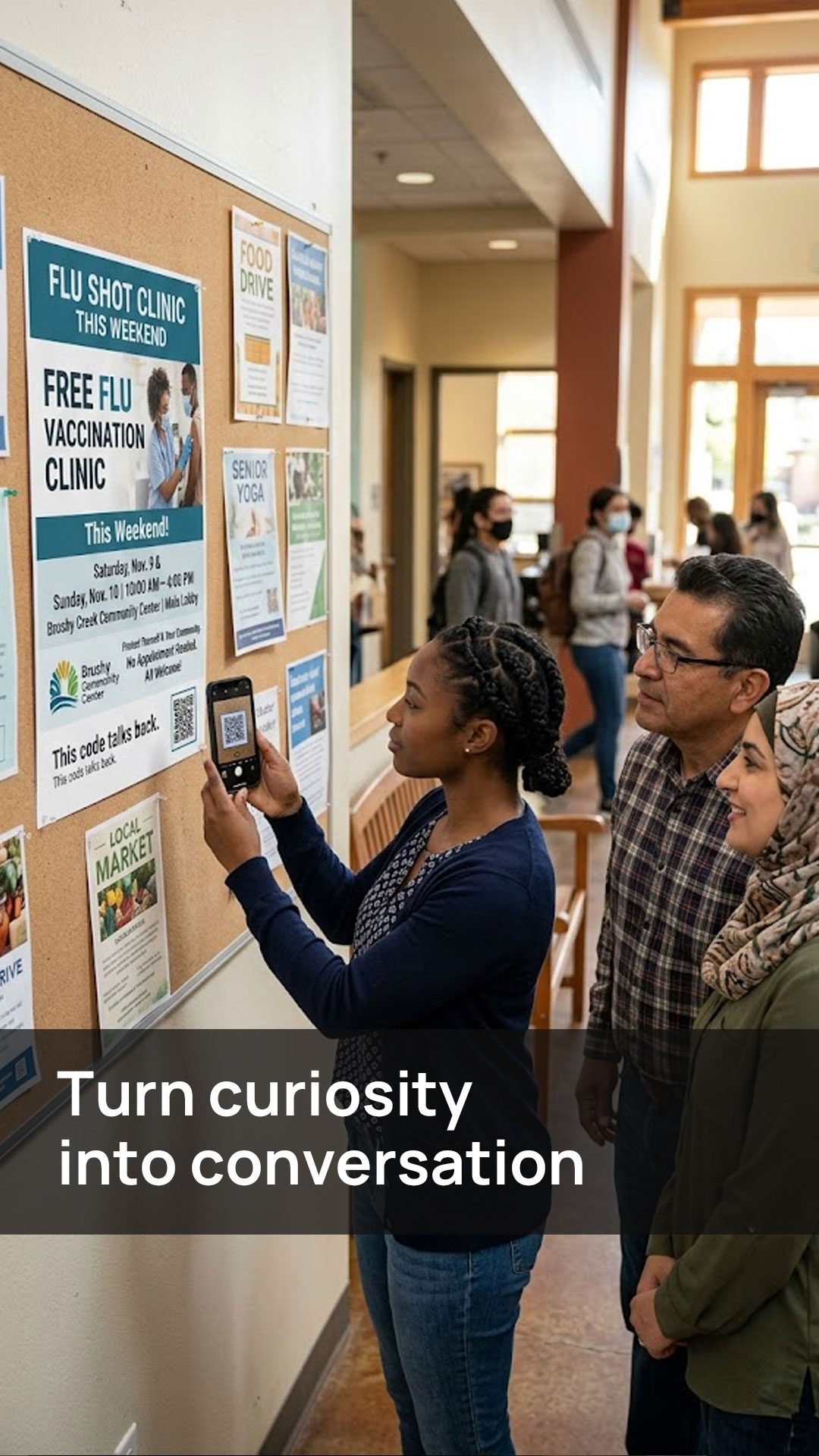
See what happens after scans from waiting room signage, brochures, referral materials, and local campaigns.
Build one page for your clinic, one specialty service, or one referral-focused campaign so the experience stays clear and relevant.
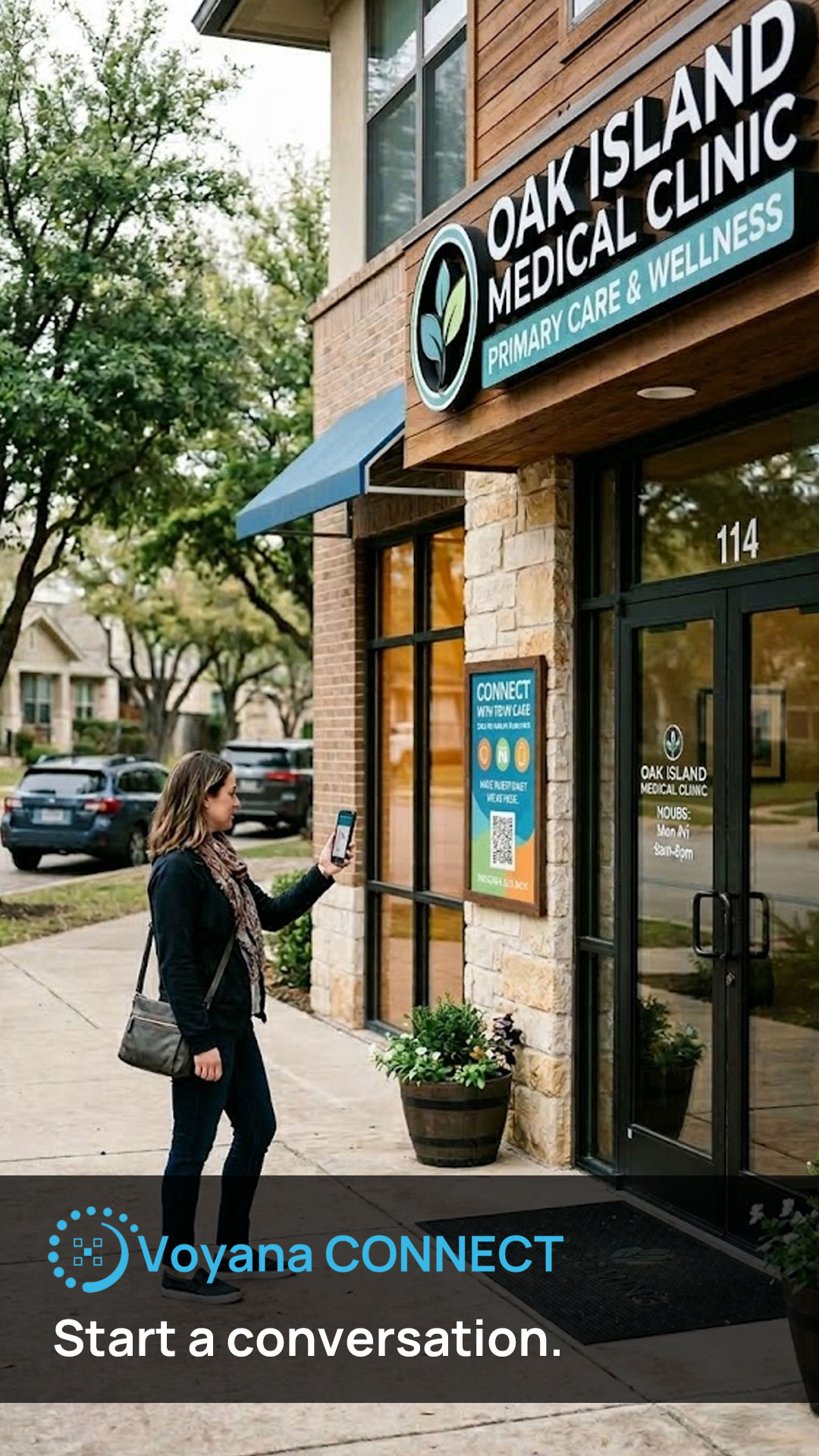
Generate a share link for the card, then place the QR code on brochures, waiting room displays, handouts, packets, referral materials, or outreach collateral.
Use the presenter, FAQs, and end call to action to drive appointments, phone calls, referrals, and better-informed follow-up.
Help patients understand what the practice does, what to bring, and how to contact the office.
Explain common questions around screenings, visits, specialties, or treatment categories in plain language.
Give referred patients a simple mobile destination that helps them feel ready to call or schedule.
If you want help getting a medical practice page live, create a new card in Voyana Connect and sign up for Concierge. We can help shape the messaging, presenter setup, and patient-facing flow.
Voyana Connect works well for private practices, primary care clinics, specialty groups, urgent care centers, outpatient providers, and other healthcare teams that want a better digital destination for print-driven traffic.
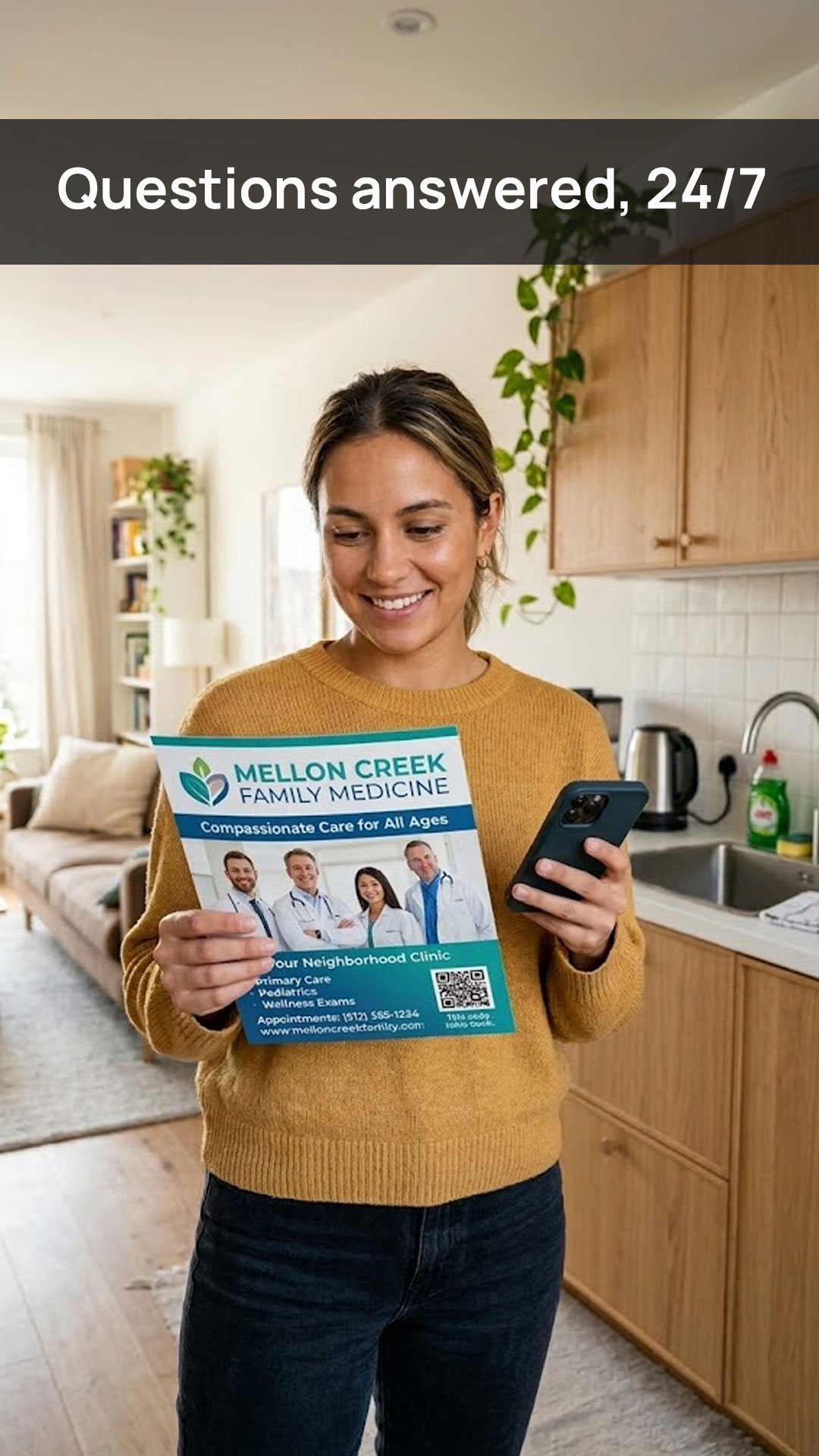
It should help patients understand the practice, services offered, common visit questions, office logistics, and how to book or contact the team. It is especially useful when someone scans from a brochure, flyer, packet, or in-office sign and wants quick context.
No. This is best used for educational, operational, and appointment-related questions. It should guide visitors toward your staff for medical advice, triage, diagnosis, or emergencies rather than trying to replace clinical judgment.